Self-Hosting a Full-Stack App on a Mac Mini M4 with Cloudflare Tunnels
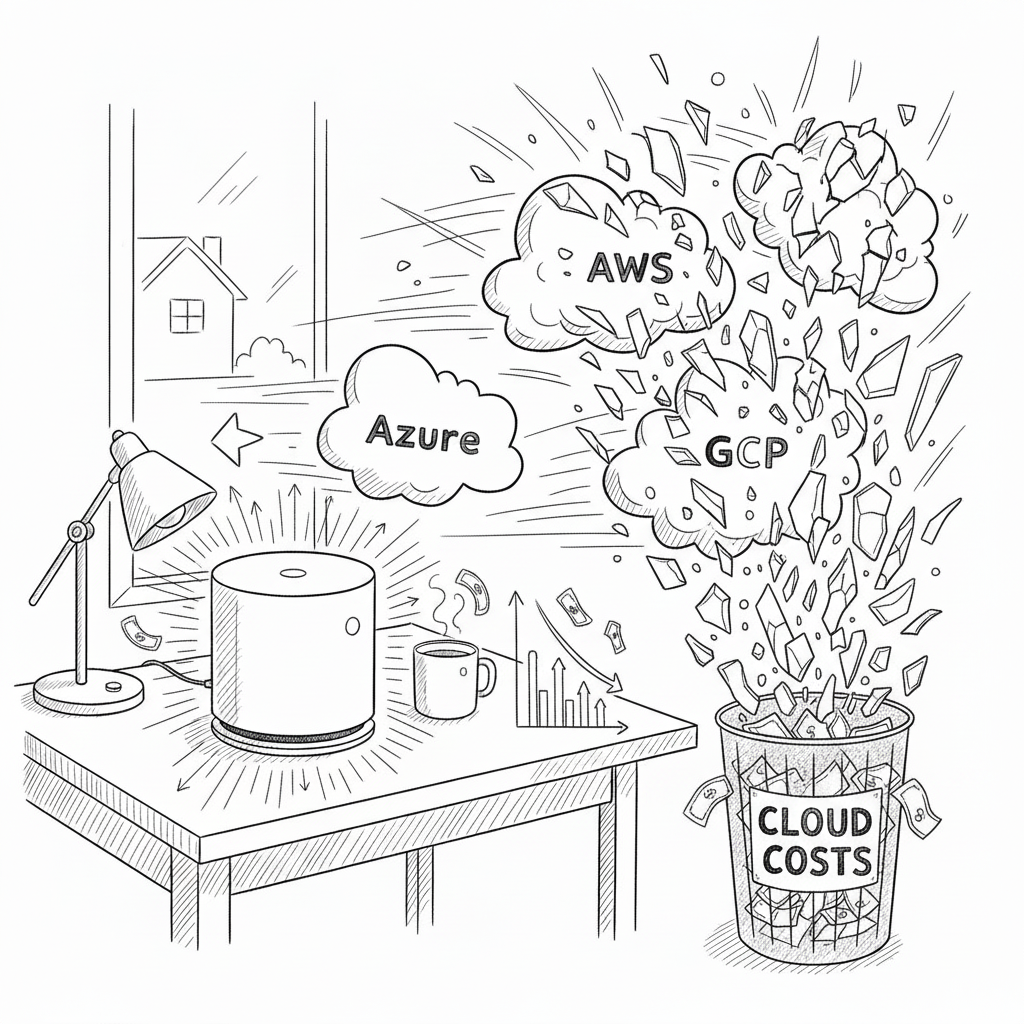
I was paying $11 a month for a VPS to host what amounted to a small React frontend, an Express API, and a Postgres database. $132 a year isn't ruinous, but the value side was thin: shared CPU cores that throttle under load, 1 GB of RAM that fills up fast, 25 GB of disk that fills up faster. A side project pulling 100 visitors a day shouldn't need any of that babysitting.
Last month I bought a base Mac Mini M4 for $599. I moved the whole stack onto it and put it on the public internet through Cloudflare Tunnels. No port forwarding, no exposed home IP, no firewall rules to maintain. It runs me about $2 a month in electricity. Here's how it's wired up.
Why the Mac Mini holds up
The base Mac Mini M4 is a real server. 10-core CPU, 16 GB of unified memory, 256 GB SSD. It idles around 10 watts and barely touches 30 under load. Compare that to an $11 VPS, where your "1 vCPU" is a fraction of someone else's processor and gets throttled the moment a noisy neighbor needs it.
Apple Silicon does the heavy lifting. The M4 runs Docker containers cool and quiet. With my Vite build watcher, the Express API, Postgres, and Redis all running, Activity Monitor barely registers a blip. No fan ramps. No thermal throttling.
And you own it. No surprise tier increases, no deprecation emails, no terms-of-service rewrites pointed at your project.
The pricing path
VPS providers solve real problems. The pricing path is the issue. You start at $5, bump to $11 when your app needs more RAM, add $2 for backups, then $11 for a staging environment, then more disk. Every step costs more for resources that are still shared and still constrained. For a side project, the math rarely works in your favor.
You don't need someone else's slice of a server. You need your app to run reliably and cheaply. A Mac Mini does that.
The architecture
                    Internet Users
                          |
                          v
                 ┌────────────────┐
                 │  Cloudflare    │
                 │  Edge Network  │
                 │  (SSL, DDoS)   │
                 └────────┬───────┘
                          |
                 Encrypted Tunnel
                   (outbound)
                          |
                          v
                 ┌────────────────┐
                 │   Mac Mini M4  │
                 │  (Your Home)   │
                 └────────┬───────┘
                          |
              ┌───────────┴───────────┐
              |                       |
         ┌────v─────┐          ┌─────v────┐
         │  nginx   │          │ Express  │
         │ (React)  │          │   API    │
         │  :3000   │          │  :4000   │
         └──────────┘          └─────┬────┘
                                     |
                               ┌─────v─────┐
                               │PostgreSQL │
                               │ Database  │
                               └───────────┘
              All in Docker containers
Cloudflare Tunnels is what makes this safe. The Mac Mini opens an outbound connection to Cloudflare's edge. All inbound traffic flows through Cloudflare, picks up SSL and DDoS protection on the way, and is forwarded down the tunnel to the box. The Mac never accepts an inbound connection. There's nothing to port-forward, nothing to expose, no firewall hole to leave open.
Docker setup
Install Docker via Homebrew:
brew install --cask docker
brew install --cask docker
Project layout:
~/my-app/
  ├── docker-compose.yml
  ├── frontend/    # Vite-built React app (static dist/)
  ├── backend/     # Express API
  └── nginx.conf   # static-file config for the frontend container
The compose file ties it together:
services:
  frontend:
    image: nginx:alpine
    volumes:
      - ./frontend/dist:/usr/share/nginx/html
      - ./nginx.conf:/etc/nginx/nginx.conf:ro
    ports:
      - "3000:80"
    restart: unless-stopped

  backend:
    build: ./backend
    env_file: .env
    ports:
      - "4000:4000"
    depends_on:
      - db
    restart: unless-stopped

  db:
    image: postgres:16-alpine
    env_file: .env
    volumes:
      - postgres_data:/var/lib/postgresql/data
    restart: unless-stopped

volumes:
  postgres_data:
services:
  frontend:
    image: nginx:alpine
    volumes:
      - ./frontend/dist:/usr/share/nginx/html
      - ./nginx.conf:/etc/nginx/nginx.conf:ro
    ports:
      - "3000:80"
    restart: unless-stopped

  backend:
    build: ./backend
    env_file: .env
    ports:
      - "4000:4000"
    depends_on:
      - db
    restart: unless-stopped

  db:
    image: postgres:16-alpine
    env_file: .env
    volumes:
      - postgres_data:/var/lib/postgresql/data
    restart: unless-stopped

volumes:
  postgres_data:
A couple of notes on this. The old version: '3.8' field is gone; Compose v2 ignores it. Secrets live in a .env file, not in the compose file itself. Three containers, around 500 MB of memory between them. The 16 GB Mini handles this with plenty of headroom for whatever you want to run alongside it.
A minimal Express API:
const express = require('express');
const { Pool } = require('pg');

const app = express();
const pool = new Pool({ connectionString: process.env.DATABASE_URL });

app.use(express.json());

app.get('/api/health', (_req, res) => res.json({ status: 'ok' }));

app.get('/api/data', async (_req, res) => {
  const { rows } = await pool.query('SELECT * FROM items');
  res.json(rows);
});

app.listen(4000, () => console.log('API on :4000'));
const express = require('express');
const { Pool } = require('pg');

const app = express();
const pool = new Pool({ connectionString: process.env.DATABASE_URL });

app.use(express.json());

app.get('/api/health', (_req, res) => res.json({ status: 'ok' }));

app.get('/api/data', async (_req, res) => {
  const { rows } = await pool.query('SELECT * FROM items');
  res.json(rows);
});

app.listen(4000, () => console.log('API on :4000'));
The React frontend is a standard Vite build. Nothing exotic.
Bring it up:
docker compose up -d
docker compose up -d
Frontend on :3000, API on :4000. Local only, for now.
Wiring up Cloudflare Tunnels
cloudflared is a small daemon that runs on the Mac and holds an outbound connection to Cloudflare. No DNS gymnastics. No certificate renewal. No firewall rules.
brew install cloudflare/cloudflare/cloudflared
cloudflared tunnel login
cloudflared tunnel create my-app
brew install cloudflare/cloudflare/cloudflared
cloudflared tunnel login
cloudflared tunnel create my-app
The login step opens a browser to pick a domain you've added to Cloudflare. No domain? Cloudflare will hand out a free *.trycloudflare.com subdomain for testing.
Create ~/.cloudflared/config.yml:
tunnel: <your-tunnel-id>
credentials-file: /Users/<username>/.cloudflared/<tunnel-id>.json

ingress:
  - hostname: myapp.yourdomain.com
    service: http://localhost:3000
  - hostname: api.myapp.yourdomain.com
    service: http://localhost:4000
  - service: http_status:404
tunnel: <your-tunnel-id>
credentials-file: /Users/<username>/.cloudflared/<tunnel-id>.json

ingress:
  - hostname: myapp.yourdomain.com
    service: http://localhost:3000
  - hostname: api.myapp.yourdomain.com
    service: http://localhost:4000
  - service: http_status:404
Route DNS through the tunnel:
cloudflared tunnel route dns my-app myapp.yourdomain.com
cloudflared tunnel route dns my-app api.myapp.yourdomain.com
cloudflared tunnel route dns my-app myapp.yourdomain.com
cloudflared tunnel route dns my-app api.myapp.yourdomain.com
Run it:
cloudflared tunnel run my-app
cloudflared tunnel run my-app
The app is now on the public internet behind Cloudflare's edge: HTTPS, DDoS protection, no exposed IP. To make it survive reboots:
sudo cloudflared service install
sudo launchctl start com.cloudflare.cloudflared
sudo cloudflared service install
sudo launchctl start com.cloudflare.cloudflared
The cost picture
Mac Mini M4 (one-time): $599. Electricity at typical residential rates: roughly $2 a month. A domain is optional ($12 a year if you want one; the trycloudflare.com subdomain is free).
A comparable VPS, once you add backups and a staging tier, lands around $200 to $300 a year. The Mini pays itself off in roughly two years. After that you're paying for power. And what you get for the same money is 10 CPU cores and 16 GB of memory instead of fractions of a shared core.
Cloudflare Tunnels itself is on the free tier. Edge SSL, DDoS protection, and a global CDN at zero marginal cost.
What you're trading off
The Mac has to stay powered and online. A power blip or ISP outage takes you down. For side-project traffic that's usually fine, and a small UPS handles the brownouts. If you need four nines, this isn't the play.
Back up Postgres. A nightly cron that dumps to an external drive (and optionally uploads to cheap object storage) is enough for most setups.
Watch the disk. 256 GB is plenty until Docker images quietly accumulate. docker system prune -a once a month keeps it honest.
Patch the system. brew upgrade cloudflared, pull fresh base images, restart the stack. Should be a 10-minute job, not a quarterly project.
When this isn't the right call
If your traffic is high, globally distributed, or genuinely needs HA, stay with the cloud. The Mac Mini is for the long tail: side projects, small businesses, internal tools, personal apps that have no business paying $20 a month for managed infrastructure.
That's a lot of projects. Probably most of yours.
What you get back, beyond the savings, is visibility. The box is on your desk. The logs are in your terminal. There are three containers, and you can see all of them. The whole stack fits in your head, which means you actually know what's running.
Closing
Self-hosting in 2026 isn't the chore it was a decade ago. The hardware is small, quiet, and cheap. The tools, Docker and Cloudflare Tunnels, hide the parts that used to be painful. You don't need a data center to run a real app. You need a Mac Mini and a tunnel.